Our new and upgraded digital banking experience is live including Zelle! All users will need to re-enroll. You do so by clicking “New User Enrollment” within the login screen. You will need your member number and the last five digits of your Social Security number to enroll. PLEASE CLEAR any previously stored data from your device. Existing mobile users will see an “Update” option in the App Store (iPhone) or Google Play (Android) before re-enrolling.
REMINDER: For Zelle, you will need to re-enroll and re-establish your contacts. Accessing Zelle is located under Transfers.
Mobile DepositJosh Marruffo2026-02-05T09:32:08-05:00
Digital tools
Mobile Deposit
Tap and go! Enjoy deposits made on the move for your busy lifestyle! Get MORE when you come to the Coast!
The Gold Coast Mobile Deposit tool allows you to take a picture of a check with your mobile device and transmit it to Gold Coast for deposit from wherever you are whenever you would like, any hour of the day, every day of the year!
Using your secure Gold Coast mobile banking app, you can register by clicking “Deposit” at the bottom of the page.
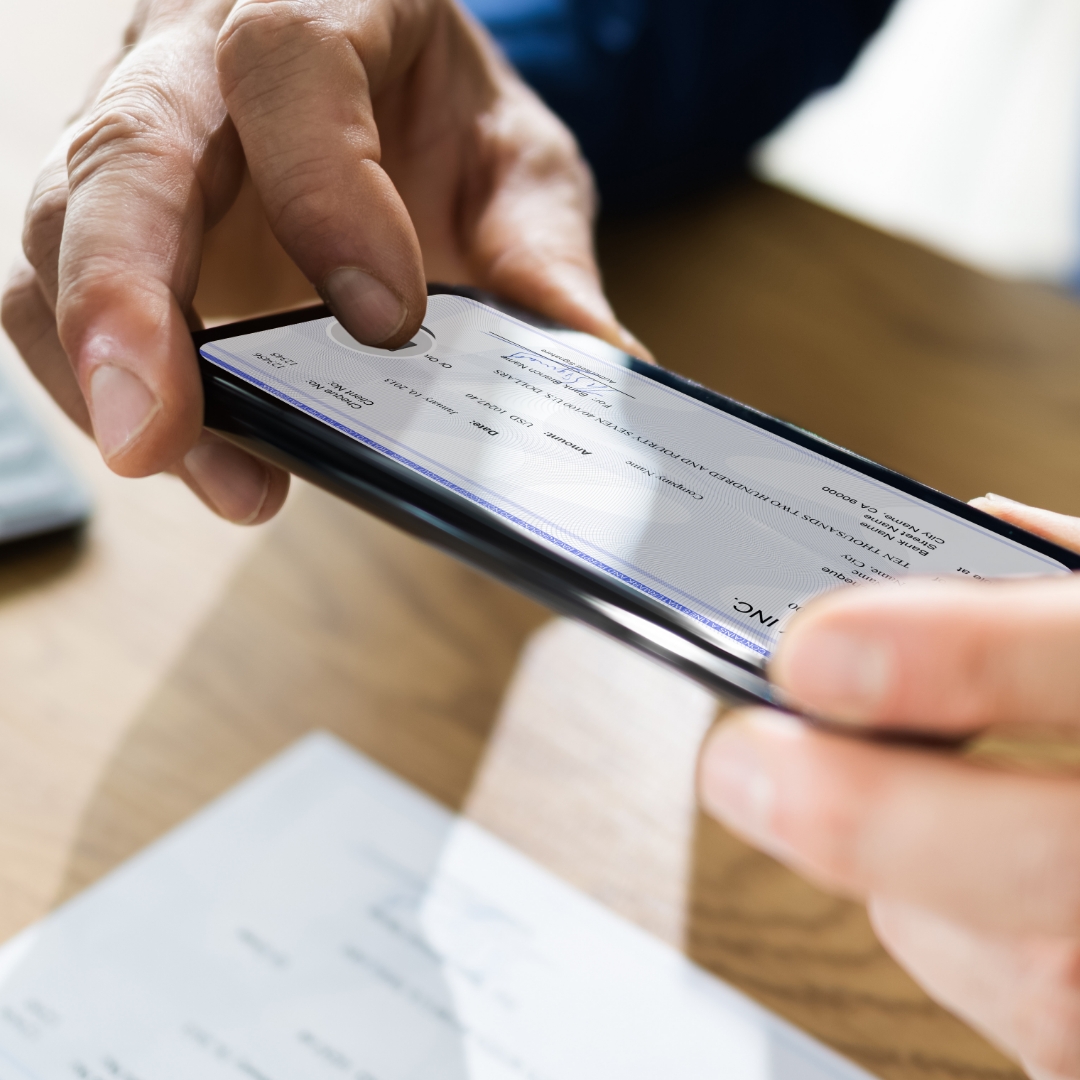
To use Mobile Deposit:
Install the Gold Coast Mobile Banking app on your mobile device
You must maintain a positive balance in your account
Ensure that your account is not classified as dormant
Your account must have a current address
You must have no charged off accounts
Account must be opened for 90 or more days
Check must be properly endorsed
Signature matching the Pay to the Order of name on the check